The Short Verdict: Which Password Manager Wins?
Selecting the right password management platform for an entire company is one of the most critical infrastructure decisions an IT department can make. Weak, reused, or leaked credentials remain the leading entry point for modern cybersecurity breaches and ransomware attacks. Adopting proactive cybersecurity strategies for small businesses starts with securing employee access points. When evaluating bitwarden vs 1password for business, both platforms stand out as industry-leading enterprise tools, but they cater to slightly different organizational priorities, technical requirements, and budgetary constraints.
1Password for business delivers a polished, highly intuitive user interface paired with advanced administrative capabilities like granular access controls, built-in breach monitoring, and native Secret Key architecture. It is built from the ground up for corporate environments that want rapid employee onboarding, seamless Single Sign-On (SSO) integrations, and zero friction for non-technical staff. This makes bitwarden vs 1password for business a top priority discussion for corporate IT teams.
Bitwarden for business, on the other hand, is an open-source powerhouse offering complete data transparency, self-hosting flexibility, and an unbeatable price-to-performance ratio. It is designed specifically for security-conscious IT teams, developer-heavy organizations, and enterprises that demand full control over their cryptographic keys, compliance mandates, and hosting environments.
When analyzing bitwarden vs 1password for business, both solutions excel at safeguarding corporate identity assets, yet their structural approaches cater to distinct enterprise workflows.
| Key Feature | 1Password for Business | Bitwarden for Business |
| Primary Focus | User Experience & Seamless SSO | Open-Source & Self-Hosting |
| Security Architecture | Dual-Key (Master Password + Secret Key) | Zero-Knowledge End-to-End Encryption |
| Deployment Options | Cloud Only | Cloud or Self-Hosted (On-Premises) |
| Admin Control | Advanced RBAC & Insights Dashboard | Granular Policy Controls & Group Access |
| Starting Price | $7.99 / user / month (Business) | $4.00 / user / month (Teams) |
| Best For | Corporate Teams & Non-Tech Staff | IT Departments, DevOps & Budget-Conscious Teams |
If your company’s primary goal is effortless adoption across non-technical teams with sleek UX and minimal helpdesk support tickets, 1Password takes the lead. However, if you need open-source code verification, complete compliance through on-premises self-hosting, or a lower total cost of ownership for a growing workforce, Bitwarden is the ideal choice. Understanding the subtle trade-offs in bitwarden vs 1password for business ensures your IT strategy aligns with your long-term security posture.
Core Security Architecture Comparison
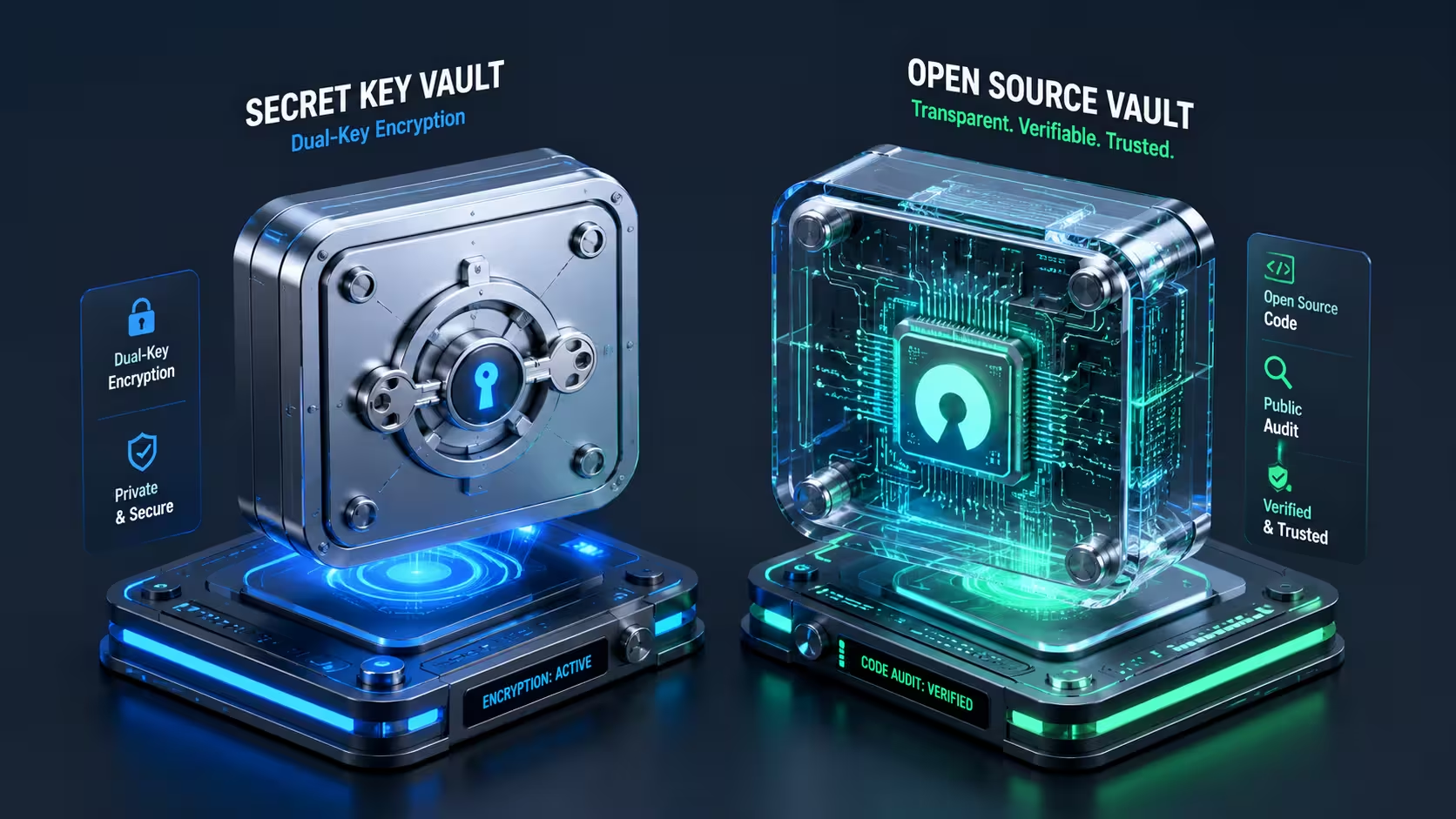
When comparing bitwarden vs 1password for business, cryptographic security is the bedrock of the entire evaluation process. Both platforms employ strict zero-knowledge architecture, meaning neither company has access to your master passwords, encryption keys, or unencrypted vault data. Everything is encrypted locally on the user’s endpoint device before ever being transmitted over the network to the cloud database. However, the exact cryptographic mechanisms and underlying trust models they utilize differ in key technical ways.
1Password’s Secret Key & AES-256 Encryption
1Password uses a multi-factor cryptographic mechanism that sets it apart from almost every other password manager on the enterprise market. In addition to a standard Master Password, every individual user account is assigned a unique, randomly generated 34-character Secret Key created locally on their primary device during initial account setup. IT admins can read more about 1Password’s Secret Key architecture to understand how dual-key encryption protects enterprise data.
-
Two-Factor Authentication at the Crypto Level: The Secret Key works alongside your Master Password to mathematically derive your vault’s decryption key. Even if a cybercriminal steals your Master Password through a sophisticated keylogger or phishing campaign, they cannot decrypt your vault without the physical Secret Key stored securely on your trusted device. This crypto-level protection is a standout technical point when analyzing bitwarden vs 1password for business.
-
AES-256 Bit Encryption: All vault content, including usernames, passwords, secure notes, metadata, custom fields, and document attachments, is secured using end-to-end AES-256-GCM encryption combined with PBKDF2 key derivation functions.
-
Secure Remote Password (SRP) Protocol: When authenticating with remote servers, your Master Password and Secret Key are never transmitted over the internet, rendering man-in-the-middle attacks completely ineffective during authentications in a bitwarden vs 1password for business setup.
This extra layer of mathematical protection makes brute-force attacks against stolen cloud database dumps practically impossible. Even if a major cloud breach were to expose encrypted user data payloads, the sheer complexity of breaking the Secret Key alongside a strong password protects your sensitive business assets. This proprietary double-key security model is a major factor when weighing bitwarden vs 1password for business.
Bitwarden’s Open-Source Transparency & Code Audits
Bitwarden approaches enterprise credential security through absolute code transparency. Unlike proprietary software platforms, Bitwarden’s entire source codebase including client desktop apps, mobile applications, browser extensions, and backend server infrastructure is 100% open-source and publicly verifiable on GitHub.
-
Public Code Audits and Inspection: Independent cybersecurity auditing firms and thousands of security researchers continuously inspect Bitwarden’s source code. Security teams can independently verify client and server binaries directly on the Bitwarden public GitHub repository.
-
Zero-Knowledge Implementation: Bitwarden utilizes robust end-to-end AES-CBC 256-bit encryption for vault contents, with key derivation handled via PBKDF2 SHA-256 or Argon2id (an advanced, memory-hard hashing algorithm that offers superior protection against hardware-accelerated GPU cracking rigs).
-
Bounty Programs & Compliance Certifications: Bitwarden maintains an active bug bounty program on Bugcrowd and successfully completes third-party SOC 2 Type II, ISO 27001, and HIPAA compliance audits annually.
For organizations operating under a strict threat model or strict regulatory compliance, the ability to independently verify software binaries rather than relying solely on vendor marketing claims makes bitwarden vs 1password for business an easy technical decision in favor of open source.
Business Administration & Access Control Features
A corporate password manager is only as effective as its central administrative framework. Managing hundreds or thousands of remote employees across different business departments requires flexible policy enforcement, automated user provisioning, and secure account recovery workflows that do not compromise end-to-end encryption.
Role-Based Access Control (RBAC) & Group Vault Sharing
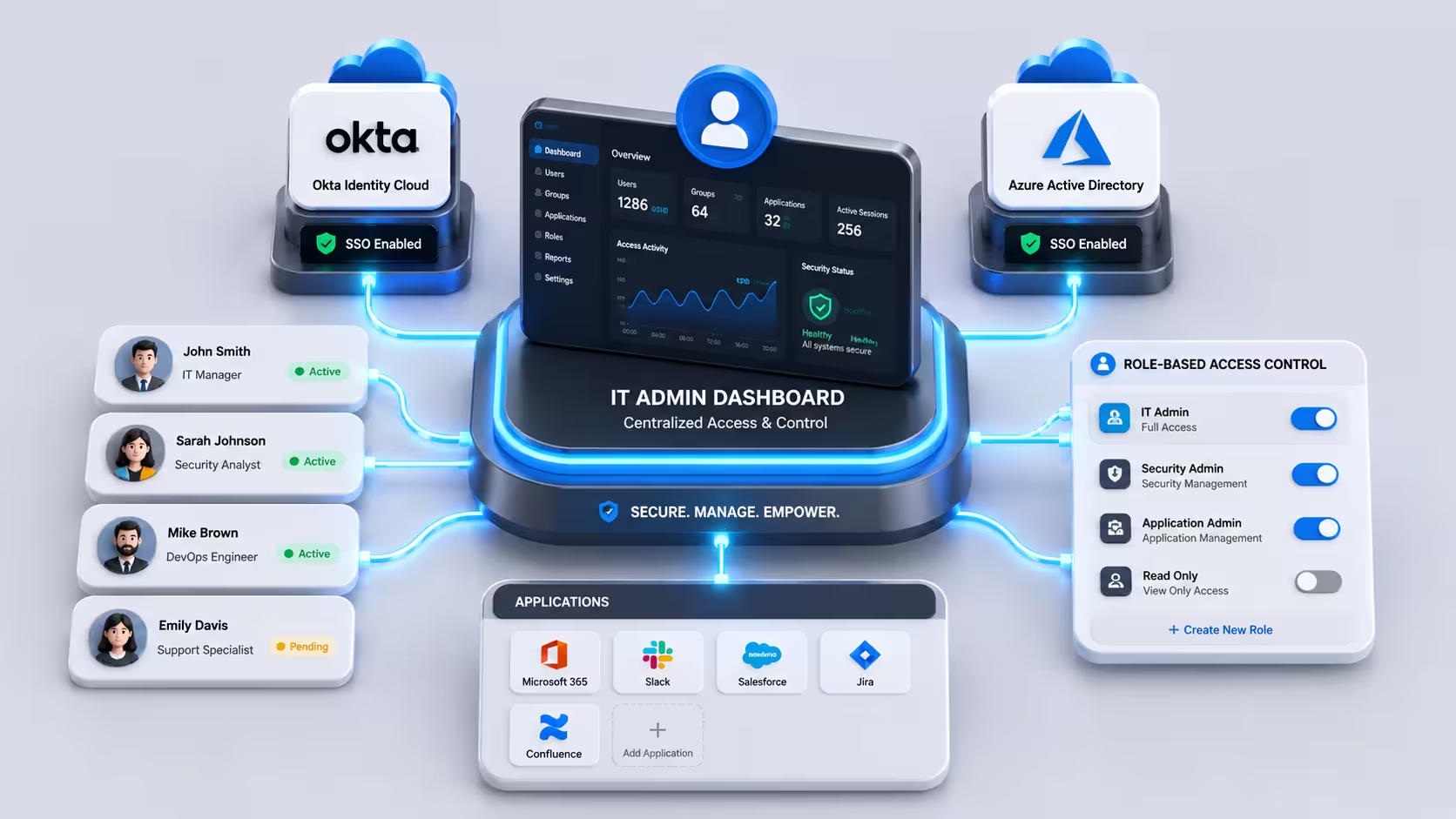
Both management tools allow IT security administrators to organize workforce users into centralized groups (such as Marketing, Finance, Sales, or Engineering) and assign granular access permissions to specific shared company vaults.
In 1Password, managing administrative permissions feels exceptionally smooth and streamlined. Administrators can easily define precise access boundaries per vault:
-
Allow Editing: Users can view, create, edit, or delete stored credential items.
-
Read-Only Access: Employees can automatically autofill login forms on corporate websites without ever viewing, copying, or exporting raw password text strings.
-
Hide Passwords: Ideal for temporary contractors, freelancers, or external teams who require system access without having access to the underlying credentials. Granular password visibility controls show clear functional differences when testing bitwarden vs 1password for business.
Bitwarden handles group vault management with equal granularity through its flexible Collections system. Comparing administrative control in bitwarden vs 1password for business shows both handle enterprise governance effectively. System administrators can assign access permissions to specific groups or individual users, controlling exactly who can create, view, edit, or hide sensitive items within shared corporate vaults. Furthermore, Bitwarden supports customized enterprise policy enforcement, such as mandating Multi-Factor Authentication (MFA) across all employee accounts, setting minimum password lengths, disabling individual master password resets, or restricting vault access to specific enterprise IP address ranges.
Evaluating how access controls function in bitwarden vs 1password for business reveals that both solutions comfortably satisfy enterprise governance requirements.
SSO, SCIM Integration, and Master Password Recovery
Manually adding, updating, and offboarded employees creates massive administrative overhead and introduces severe security vulnerabilities when staff members depart the organization. Both password management solutions integrate directly with modern enterprise Identity Providers (IdPs) to streamline operational workflows.
-
SCIM Automated Provisioning: Both 1Password and Bitwarden support SCIM (System for Cross-domain Identity Management) standards, allowing corporate IT teams to automatically provision new accounts during employee onboarding and instantly revoke all vault access the moment an employee is offboarded in Okta, Azure Active Directory (Entra ID), Ping Identity, or Google Workspace.
-
Single Sign-On (SSO) Integration: With SSO integration enabled, employees log into their password vaults using their existing corporate directory credentials (SAML 2.0 / OpenID Connect), eliminating password fatigue and reducing the need to memorize separate Master Passwords.
-
Secure Account Recovery Protocols: If an employee loses or forgets their Master Password, standard consumer password managers lose access permanently due to zero-knowledge architecture. In a managed business environment, both tools provide secure account recovery mechanisms. 1Password utilizes an administrative recovery policy managed by designated IT staff, while Bitwarden offers an Admin Password Reset function that allows authorized administrators to safely restore user access without compromising cryptographic integrity. When comparing administrative workflows in bitwarden vs 1password for business, 1Password offers a slightly smoother administrative dashboard UI.
User Experience, Onboarding & Mobile Usability
When analyzing bitwarden vs 1password for business, daily usability across diverse enterprise departments is often the determining factor for long-term adoption. A password manager can possess top-tier cryptographic protocols, but if non-technical employees find the application clunky, unintuitive, or frustrating to operate during their daily routines, security compliance will rapidly deteriorate. Organizations frequently report that employees resort to unsafe workarounds such as saving credentials in plain text or reusing weak personal passwords when software friction becomes too high.
Desktop Applications, Browser Extensions & Mobile App Usability
1Password is widely celebrated across the software industry for offering one of the most refined, visually polished, and responsive user interfaces available on modern operating systems. Its dedicated desktop applications for macOS, Windows, and Linux feature a clean, modern design language that feels native to each platform.
-
Seamless Autofill Performance: 1Password’s universal extension engine intelligently detects multi-page login forms, two-factor authentication field prompts, and credit card checkout forms without invasive pop-ups or false positives.
-
1Password Mini & System-Wide Integration: On desktop systems, quick keyboard shortcuts allow employees to search credentials, copy passkeys, or insert one-time passwords directly into native desktop applications without leaving their active window, boosting workflow speed in bitwarden vs 1password for business trials.
-
Mobile Experience (iOS & Android): The mobile applications integrate flawlessly with Apple Face ID, Touch ID, and Android Biometric Prompt APIs, offering effortless single-tap autofill inside mobile web browsers and third-party corporate applications.
When evaluating bitwarden vs 1password for business from a user experience standpoint, Bitwarden takes a functional, utility-first approach. Its user interface is minimal, highly structured, and designed for speed rather than aesthetic flair.
-
Browser Extension Interface: Bitwarden’s browser extensions across Chrome, Firefox, Edge, Safari, Brave, and Opera focus on rapid tab-based navigation. While functional, auto-filling credentials occasionally requires an extra click or hotkey shortcut (
Ctrl/Cmd + Shift + L) compared to 1Password’s contextual inline prompt. -
Cross-Platform Parity: Because Bitwarden uses universal UI frameworks across Windows, macOS, Linux, iOS, Android, and web vaults, the user experience remains perfectly identical regardless of the device an employee uses.
-
Command Line Interface (CLI): For developer-heavy teams, DevOps engineers, and system administrators, Bitwarden offers a powerful native CLI tool, allowing technical staff to pull secrets, inject environment variables, and script administrative workflows directly from their terminal terminals, an asset for IT admins weighing bitwarden vs 1password for business.
While developer teams often appreciate Bitwarden’s straightforward interface, general enterprise workforces typically adapt faster to 1Password’s polished UI. Weighing user adoption rates in bitwarden vs 1password for business highlights why UI design plays an essential role in corporate security posture.
Pricing Models & Total Cost of Ownership (TCO)
Financial sustainability and transparent licensing structures are critical metrics when choosing corporate software platforms. In the direct financial comparison of bitwarden vs 1password for business, both vendors provide flexible tier structures, but their pricing models reflect distinctly different target markets and organizational scales.
1Password Business Plans Breakdown
1Password structures its commercial offerings into distinct subscription tiers tailored for growing teams and global enterprise environments:
-
1Password Teams Starter Pack: Designed for small teams, this flat-rate package costs $19.95 per month and covers up to 10 users. It provides core password sharing, basic admin controls, and 1GB of secure file storage per user for small setups exploring bitwarden vs 1password for business.
-
1Password Business: Priced at $7.99 per user per month (billed annually), this flagship plan unlocks full enterprise capabilities. It includes custom Role-Based Access Control (RBAC), Single Sign-On (SSO) integration, SCIM provisioning, advanced security activity logs, and SIEM integration options.
-
Free Family Accounts for Employees: One of 1Password’s most popular enterprise incentives is that every user on a 1Password Business plan receives a free 1Password Families account (a $60/year value) for personal use. This unique benefit drastically increases overall security awareness by encouraging employees to adopt healthy password hygiene at home, adding extra enterprise value in bitwarden vs 1password for business.
Bitwarden Teams vs Enterprise (and Self-Hosting Advantages)
Bitwarden’s disruptive pricing structure makes it one of the most cost-effective cybersecurity solutions on the enterprise market today:
-
Bitwarden Teams Plan: Starting at just $4.00 per user per month (billed annually), this tier includes unlimited vault items, secure password sharing, directory integrations, administrative reporting, and API access. For small-to-medium teams, this price point represents roughly half the per-user cost of 1Password Business.
-
Bitwarden Enterprise Plan: Priced at $6.00 per user per month (billed annually), the Enterprise plan adds Single Sign-On (SSO) authentication, enterprise policy enforcement, key rotation tools, reset password workflows, and the option to deploy on-premises.
-
Self-Hosting Cost Advantages: Bitwarden allows organizations on Enterprise plans to host their instance locally on internal servers using Docker containers or cloud infrastructure (AWS, Azure, GCP). Self-hosting completely eliminates external cloud vendor lock-in, satisfies strict data sovereignty requirements, and allows IT departments to leverage existing internal backup policies, which is crucial for bitwarden vs 1password for business decisions.
| Pricing & Licensing Tier | 1Password for Business | Bitwarden for Business |
| Small Team Plan | $19.95/mo (Flat rate for up to 10 users) | $4.00 per user / month |
| Enterprise / Business Plan | $7.99 per user / month | $6.00 per user / month |
| Self-Hosting Support | No (Cloud Managed Only) | Yes (Supported via Docker) |
| Employee Perk | Free Families Account for every employee | Premium features for personal accounts |
| Billing Frequency | Annual or Monthly Options | Annual Options |
For growing businesses where budget optimization is paramount, analyzing bitwarden vs 1password for business pricing reveals that Bitwarden consistently offers a significantly lower Total Cost of Ownership (TCO) over multi-year software lifecycles.
Direct Feature-by-Feature Comparison
Beyond password storage and administrative user provisioning, modern enterprise password management tools serve as centralized hubs for cryptographic secrets, API credentials, secure document attachments, and identity verification tools.
Secure File Storage, Passkey Support, & Developer Tools
Both platforms have aggressively evolved their software capabilities to meet modern cybersecurity standards, particularly regarding passwordless authentication and developer secret workflows:
-
Native Passkey Support: As the industry transitions toward FIDO2 Alliance WebAuthn standards, both 1Password and Bitwarden fully support creation, storage, and cross-platform synchronization of Passkeys. Employees can sign into corporate services using cryptographic passkeys stored securely inside their encrypted vaults, completely replacing traditional passwords as both solutions compete in bitwarden vs 1password for business.
-
Watchtower vs. Vault Health Reports: 1Password’s proprietary Watchtower dashboard proactively scans corporate vaults for compromised credentials, dark web data breaches, vulnerable weak passwords, and inactive 2FA setups in real-time. Bitwarden offers comparable Vault Health Reports, which analyze vault security scores, exposed passwords, and unencrypted HTTP logins, though Bitwarden’s reports require manual initiation, creating a distinct automated monitoring gap in bitwarden vs 1password for business.
-
Travel Mode (1Password Exclusive): A unique security feature offered by 1Password is Travel Mode. When activated by an administrator or employee prior to international business travel, sensitive corporate vaults are completely removed from physical endpoint devices. Once the travel risk passes, the vaults can be restored with a single click from the admin dashboard, protecting proprietary corporate data from forced border inspection searches.
-
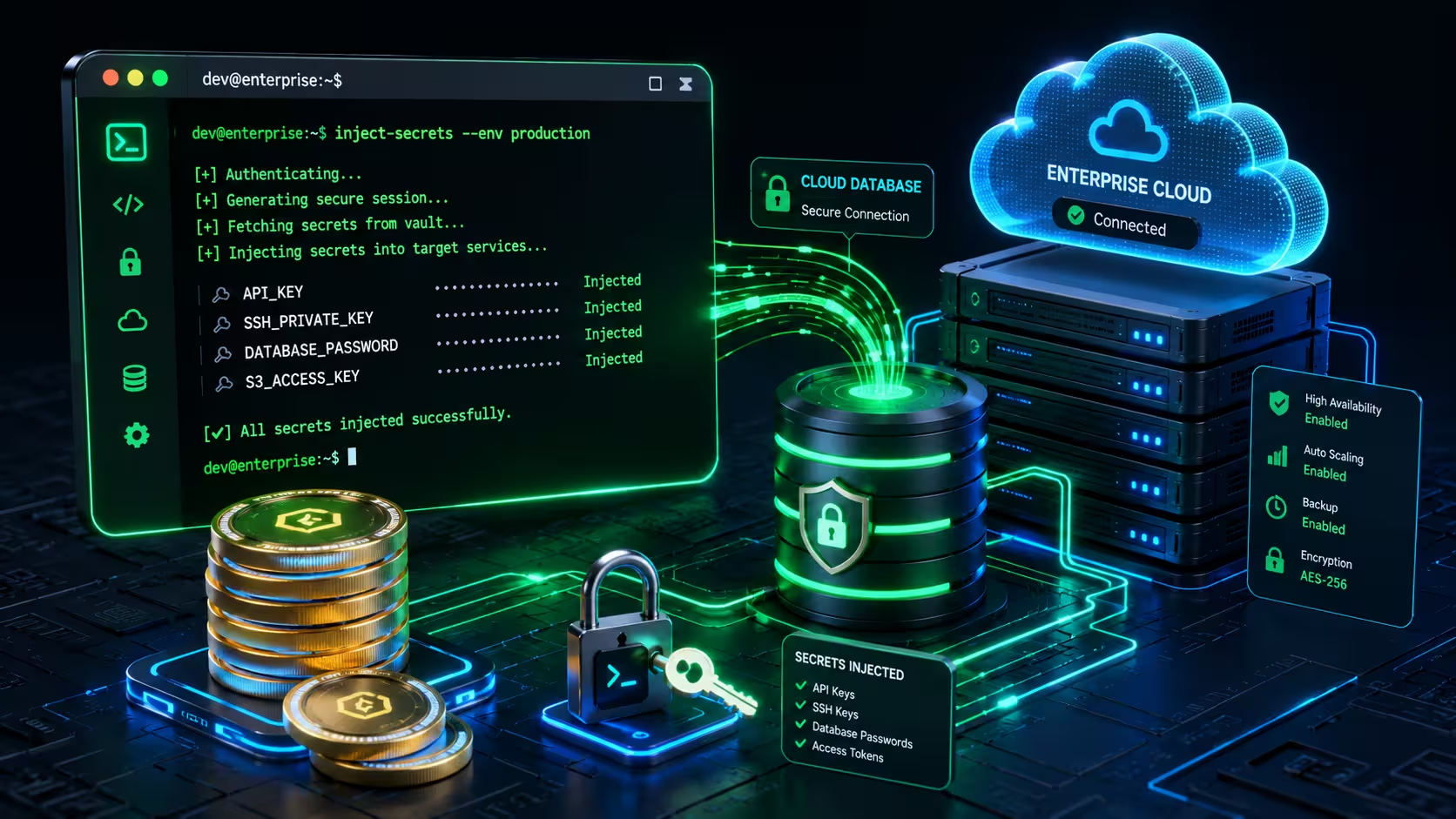
Developer Secrets Management: Both tools cater to engineering teams needing secure environment variables. 1Password offers 1Password Secrets Automation and SSH key management, while Bitwarden provides Bitwarden Secrets Manager, a dedicated solution designed to inject API keys, tokens, and database credentials into CI/CD pipelines (such as GitHub Actions, GitLab, and Jenkins) without hardcoding secrets in source code repositories.
Analyzing specialized feature sets in bitwarden vs 1password for business demonstrates that while 1Password excels in travel security and real-time monitoring, Bitwarden offers robust developer versatility and customizable open-source toolkits.
Which Password Manager Should Your Business Choose?
Making the final organizational decision between bitwarden vs 1password for business ultimately comes down to your enterprise’s technical infrastructure, internal culture, security compliance mandates, and budgetary constraints. Neither tool is universally superior; rather, each solution excels within specific corporate operational environments.
Choose 1Password for Business If:
-
Your Workforce Consists Primarily of Non-Technical Staff: 1Password’s refined interface, intuitive browser prompts, and polished mobile applications minimize user resistance, reducing the workload on your IT helpdesk team.
-
You Require Out-of-the-Box SSO and Travel Security: If your executives and employees travel internationally frequently, features like Travel Mode provide specialized protection that alternative managers cannot match.
-
You Want to Boost Security Culture with Employee Perks: Providing free personal 1Password Families accounts to every employee creates a powerful incentive for staff members to practice excellent cybersecurity hygiene across their personal and professional lives.
Choose Bitwarden for Business If:
-
Your Security Strategy Mandates Open-Source Auditing: If your compliance guidelines require complete source code visibility, public peer review, or verifiable cryptography, Bitwarden is the gold standard.
-
You Require Self-Hosted, On-Premises Deployment: For enterprises operating in heavily regulated industries (defense, finance, healthcare) or air-gapped environments without public cloud access, Bitwarden’s native self-hosting support is essential.
-
You Want Maximum ROI and Lower Subscription Costs: With per-user costs starting at nearly half the price of proprietary competitors, Bitwarden delivers enterprise-grade security while significantly reducing software licensing overhead.
Carefully evaluating these operational requirements in bitwarden vs 1password for business guarantees that your selected platform will support your security team’s long-term goals without compromising workflow productivity.
Frequently Asked Questions (FAQs)
1. Is Bitwarden as secure as 1Password when comparing bitwarden vs 1password for business deployment?
Yes, both platforms implement high-grade end-to-end encryption. Bitwarden uses standard AES-256-CBC encryption and offers Argon2id key derivation, while 1Password utilizes AES-256-GCM combined with a unique 34-character Secret Key. Both architectures ensure zero-knowledge data privacy, meaning unauthorized third parties or cloud servers cannot view your unencrypted vault contents.
2. Can we migrate credentials from 1Password to Bitwarden or vice versa?
Yes, both solutions feature built-in CSV and JSON import/export mechanisms designed for enterprise migration. IT administrators can easily export encrypted vault structures, login credentials, secure notes, and shared folders from 1Password and import them directly into Bitwarden Collections, or transfer data from Bitwarden into 1Password vaults without data loss, making switching painless in bitwarden vs 1password for business.
3. Does bitwarden vs 1password for business support multi-factor authentication (MFA)?
Both platforms support comprehensive Multi-Factor Authentication (MFA) protocols. Administrators can mandate 2FA across all employee accounts using Time-based One-Time Password (TOTP) authenticator applications (such as Google Authenticator or Authy), Duo Security integrations, or hardware security keys (such as YubiKey U2F/FIDO2 tokens).
4. Can employees access their enterprise password vaults offline?
Yes, both 1Password and Bitwarden store locally cached, heavily encrypted copies of user vaults on authorized endpoint devices. Employees can access stored credentials, copy passwords, and view secure notes even when traveling or operating without an active internet connection. Any edits made offline will automatically synchronize across corporate devices once network connectivity is restored, ensuring uninterrupted work in bitwarden vs 1password for business.