The internet is a massive part of our daily lives. From managing our personal profiles to running digital tasks, everything happens through our smartphones and laptops. Your phone and laptop contain the keys to your life, from private bank accounts to personal photos and messages. Most people assume their devices are safe, but criminals rarely hack complex systems directly. Instead, they look for small cracks in your habits to sneak in and steal data. Practicing good digital hygiene is your best defense against data theft and financial loss. These 10 simple steps help you secure your devices without needing an advanced degree in computer science.
1. Strengthening Your Password Security and Digital Hygiene
Your password is the first line of defense for every account you own. If a hacker cracks one password and you use that same one elsewhere, they gain access to your entire digital life. Learning foundational cybersecurity tips regarding credential safety is the most important step you can take today. Creating strong, unique credentials for every single account ensures that a breach on one minor platform does not compromise your entire identity.
1.1 Crafting Unbreakable Passwords
A truly strong password needs length and complexity to be effective against modern brute-force automated attacks. Avoid using simple words, personal details like birthdays, or common patterns like “123456.” Instead, aim for a phrase of at least 16 characters that mixes letters, numbers, and symbols.
The easiest way to manage these complex passwords is to use a dedicated password manager. This software creates, stores, and fills in your credentials automatically, so you only have to remember one master password. Using a manager removes the need to reuse passwords and completely prevents the dangerous risk of writing them down on sticky notes or insecure text files.
1.2 Implementing Multi-Factor Authentication (MFA)
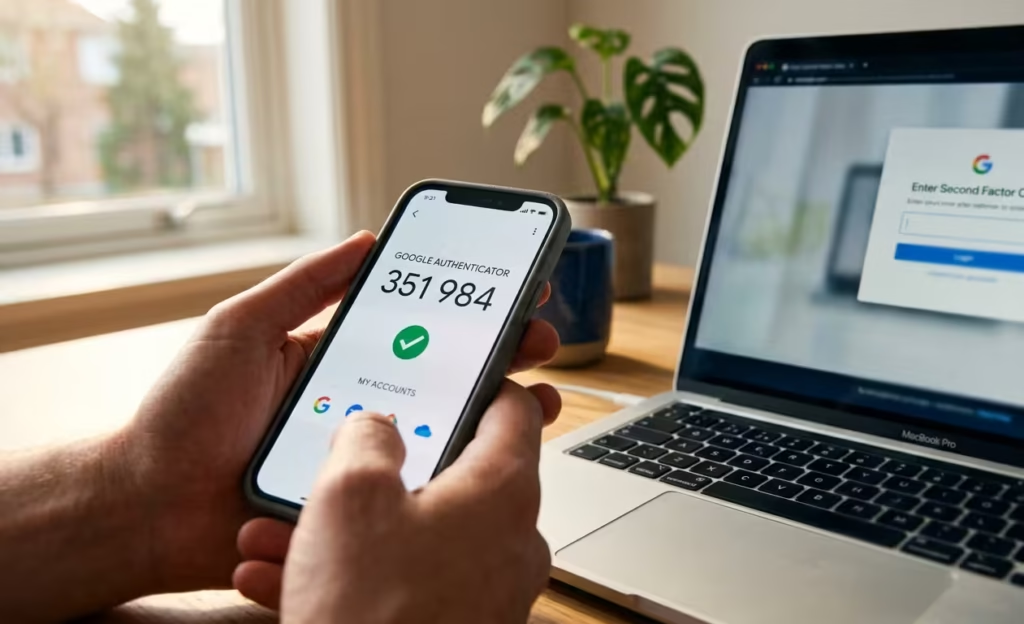
Even with a perfect password, sudden third-party data breaches happen frequently. Multi-factor authentication adds a critical second layer of protection to your accounts. Once enabled, you need both your password and a temporary secondary code to log in. This secondary verification is often sent to your phone or generated securely by an offline application.
If a hacker steals your password in a data leak, they still cannot access your account without that second factor. Authenticator apps are significantly safer than text messages, as they are not vulnerable to SIM-swapping mobile attacks. Always enable this feature on your primary email, online banking, and social media accounts as soon as possible. Following these structural cybersecurity tips drastically reduces your risk profile.
2. Guarding Against Malicious Software and Improving Digital Hygiene
Malware is malicious software designed to damage your devices or steal your information, often running completely silently in the technological background. Stopping these programs before they take hold keeps your data private and your operating systems running smoothly. Proactive system care is far easier than trying to remove a deeply embedded virus after it has already infected your personal setup.
2.1 The Importance of Antivirus and Anti-Malware Software
Your computer and phone need active protection against viruses, trojans and spyware. Reputable antivirus software constantly monitors your local activity, stops malicious files from executing downloads, and detects existing hidden threats. Understanding standard cybersecurity tips includes knowing how to evaluate security software.
Most modern operating systems include decent built-in security tools, but adding a dedicated, high-quality third-party security suite often provides a much better automated defense. Make sure to set your chosen software to run automatic, regularly scheduled deep scans so you never have to remember to check the system status manually.
2.2 Recognizing and Avoiding Phishing Attacks
Phishing remains one of the most common ways criminals steal personal usernames and passwords. They send deceptive emails, texts, or social media messages that appear to be from trusted sources like your bank, a university, or a popular streaming service. These messages typically urge you to click a link to resolve an urgent fake issue, such as a suspended account or a unauthorized charge.
Check the sender’s actual email address carefully for subtle misspellings or completely unofficial domains. If you receive an unexpected message demanding quick action, do not panic and do not click the link. Instead, open a fresh browser window and go directly to the official website by typing the address yourself to check for any real notifications. Sharing these cybersecurity tips with your friends can protect your entire social circle from scams.
3. Secure Your Online Communications
Information sent over the open internet can be intercepted by malicious actors if it is not properly protected. Understanding how your data travels across networks helps you keep sensitive messages and private documents away from prying eyes. Encryption is the foundational technology that ensures only the intended recipient can read your digital communications.
3.1 Understanding and Using Encryption
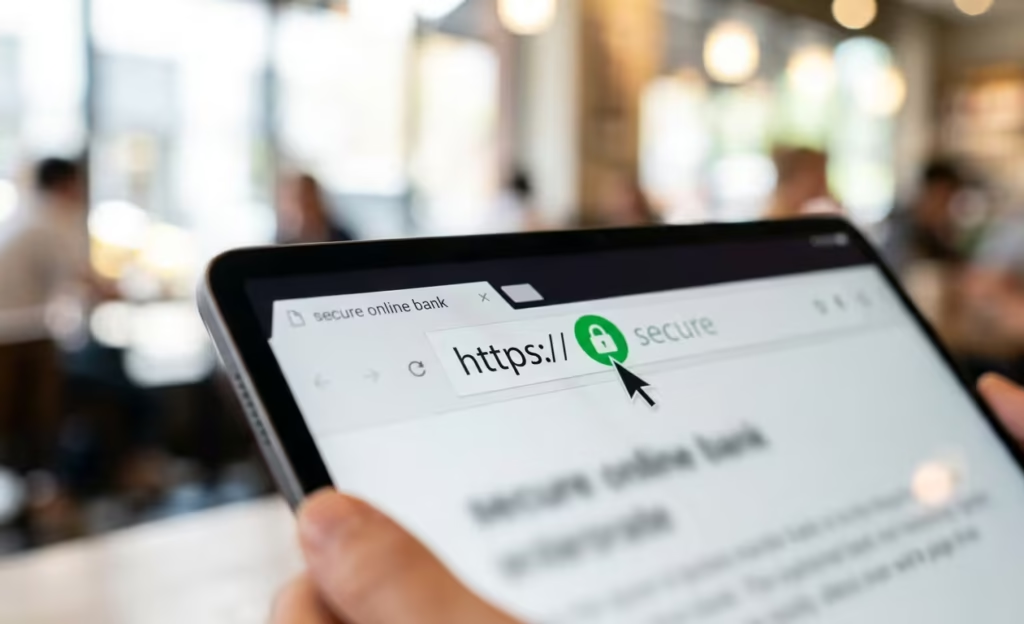
Encryption turns your readable information into a scrambled code that only the correct decryption key can unlock. Most modern websites now use HTTPS encryption, which you can easily see via the padlock icon in your web browser’s address bar. This protocol ensures that the data moving between your browser and the website is fully secure.
When you use messaging apps for daily chats, always check if they offer default end-to-end encryption. This advanced setting means that not even the application company itself can read your private conversations or view your media files. Implementing these simple behavioral cybersecurity tips guarantees total privacy.
3.2 Staying Safe on Public Wi-Fi
Public Wi-Fi networks in coffee shops, hotels, or airports are often completely unsecured, making it incredibly easy for hackers on that same network to intercept your active traffic. Never conduct sensitive online transactions like banking or personal shopping while connected to public internet routers.
If you must use public Wi-Fi for work or study, always connect through a reputable Virtual Private Network (VPN). A VPN creates an encrypted tunnel for your outgoing traffic, keeping your data hidden even on an open network. Also, remember to turn off auto-connect network settings on your phone to prevent it from joining dangerous open hotspots without you knowing. Learning these network-specific cybersecurity tips is vital for remote digital security.
4. Keep Your Software and Devices Updated
Software developers constantly discover unexpected vulnerabilities in their programs and promptly release patches to fix those structural holes. If you consistently skip these updates, you leave your device completely open to attacks that were already solved by the company months ago. Regular updates keep your operating system strong and fix bugs that might otherwise crash your important applications.
4.1 The Necessity of Software Updates
Operating system updates are essential because they fix core security flaws at the root level of your device. App updates perform similar safety functions for individual programs. Hackers actively watch for these public patches to understand what vulnerabilities they can exploit on older devices that are not yet updated.
Running the latest version of your software ensures you have the most recent defenses against known global threats. Staying informed about update cycles is one of those basic cybersecurity tips that people frequently ignore, yet it provides massive protection against automated exploits.
4.2 Automating Updates for Maximum Protection
The simplest way to stay protected without constant maintenance is to set all your devices to update automatically. Almost every smartphone, laptop, computer, and web browser has a default option to install updates silently as they become available.
Enabling this automatic feature ensures that you get the latest security patches without needing to remember to check them manually. This is a critical habit for maintaining the long-term health and safety of your personal digital environment. Incorporating these automated cybersecurity tips saves time and keeps your hardware safe around the clock.
5. Back Up Your Data Regularly
Even with the best security protocols in place, hardware failure, physical theft, or unexpected malware can lead to sudden data loss. A reliable, redundant backup strategy is the only absolute way to recover your files when something goes completely wrong. If your data is backed up properly, a severe device issue turns into a temporary inconvenience rather than a total catastrophe.
5.1 Strategies for Reliable Data Backups
Follow the classic 3-2-1 rule for data backups to ensure maximum redundancy: keep 3 total copies of your data, stored on 2 different types of local media, with 1 copy stored securely off-site. For example, have your primary copy on your computer, a secondary copy on an external hard drive at home, and a third copy on a secure cloud storage service.
Cloud backups are excellent because they are automated, encrypted, and protected from physical disasters like fire, accidental drops, or water damage. Adhering to these structural cybersecurity tips protects your digital lifestyle from unexpected physical accidents.
5.2 Recovering from Data Loss Incidents
Occasionally, you must test your data backups to make sure they actually restore correctly. If you find a file is corrupted or an external hard drive is slowly failing, you want to know that information before you actually need the data in an emergency.
Knowing you have a working, fully tested restoration plan provides immense peace of mind and allows you to recover quickly from any technical emergency or hardware crash. Knowing how to handle data recovery is just as crucial as practicing preventative cybersecurity tips.
6. Practice Safe Browsing Habits
Your intentional actions while browsing the internet often dictate your overall level of risk. Avoiding suspicious websites and controlling what information you share helps limit your digital footprint. Being cautious and analytical is a simple, free way to avoid most online threats.
6.1 Identifying Secure Websites and Links
Always look for the padlock icon in your browser’s address bar and ensure the web address begins with “https://” before entering any sensitive information or credentials. Be wary of shortened links in random emails or social media posts, as they can easily hide malicious destination URLs.
If a link looks slightly suspicious or is completely unsolicited, it is always safer to avoid clicking it entirely. Utilizing these observational cybersecurity tips keeps your browser environment safe from drive-by download scripts.
6.2 Managing Browser Permissions and Cookies
Websites frequently ask for permanent access to your location, camera, storage, or microphone. Review these active browser permissions regularly and deny requests that are not strictly necessary for the site to function properly.
Similarly, manage your tracking cookies by clearing them periodically or setting your browser to block third-party marketing trackers automatically. This strict setting limits the amount of personal data that companies can collect and use to track your online behavior across the web.
Final Thoughts
Securing your digital life does not require constant stress or complex technical knowledge. By using unique passwords, enabling multi-factor authentication, and keeping your software updated, you effectively close the most common doors for online attackers. Implementing these fundamental cybersecurity tips creates a powerful shield around your personal data, devices, and online profiles.
Small, consistent changes in your online habits create a much stronger defense for your devices and personal data over time. Start by implementing just a few of these basic cybersecurity tips today, and make them a regular part of your digital routine for lasting safety.